Instruments View
The Instruments view shows all three instruments with their parameter controls layered over the orbital backdrop.
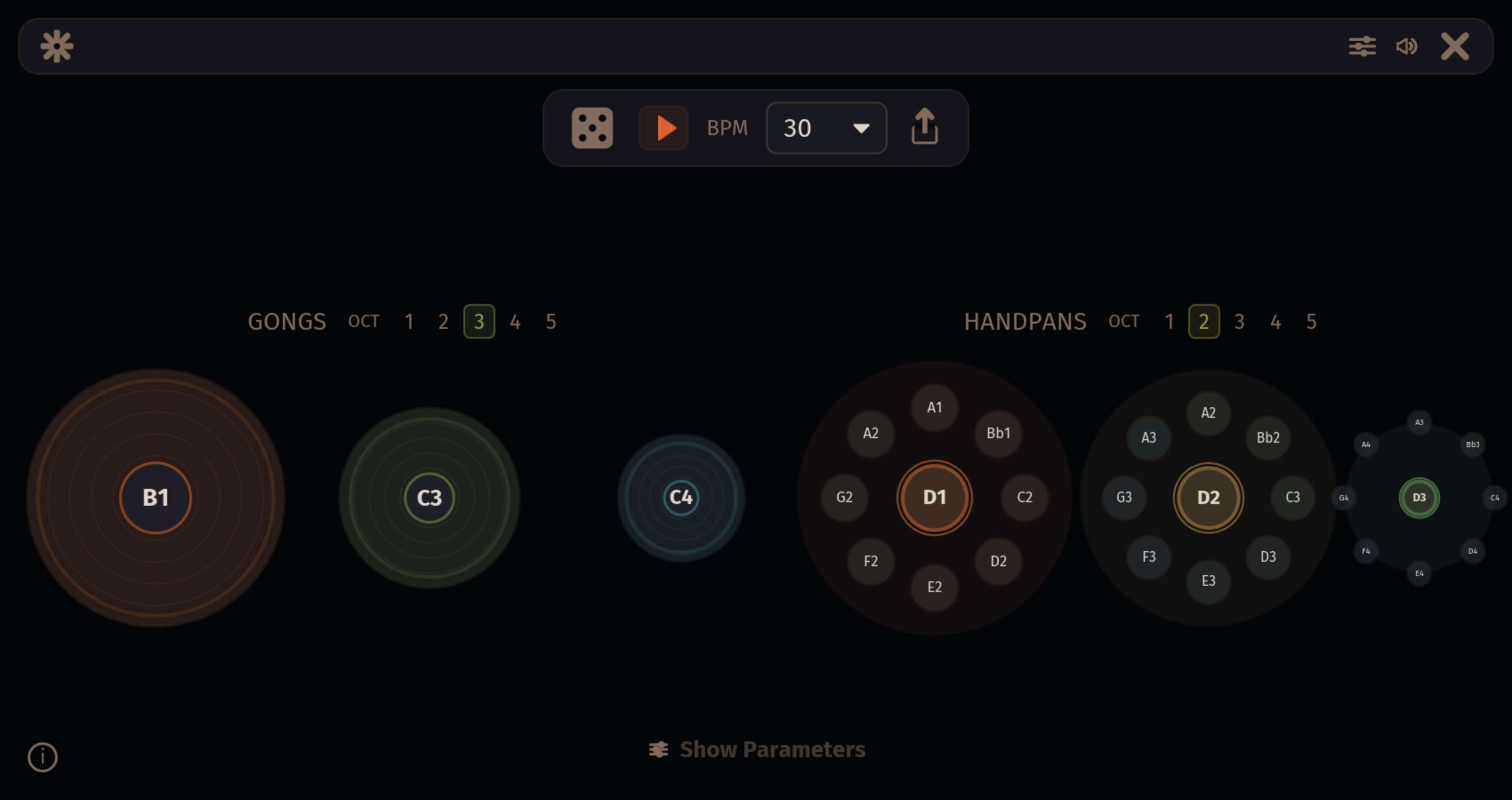
From this view you can:
- Switch between the Handpan, Gong, and Sound Bowl
- Adjust each instrument's sound parameters (brightness, reverb, decay, volume, and more)
- Choose from factory presets for each instrument
- Select scales and tuning
- Control the generative sequencer
- Open Audio and MIDI settings from the settings icon in the toolbar
- Set a sleep timer
- Choose a scene preset (Sleepy, Calm, or Melodic)
Tap the close button to return to the Orbit view at any time. Your settings are preserved.